Free · no card needed
Stage one room, free.
Upload a single empty-room photo, pick a style, and we'll furnish it — without touching the walls, windows, floors, or the view. You'll get one fully staged image, no watermark, to see exactly how QuickStaging looks on your listing.
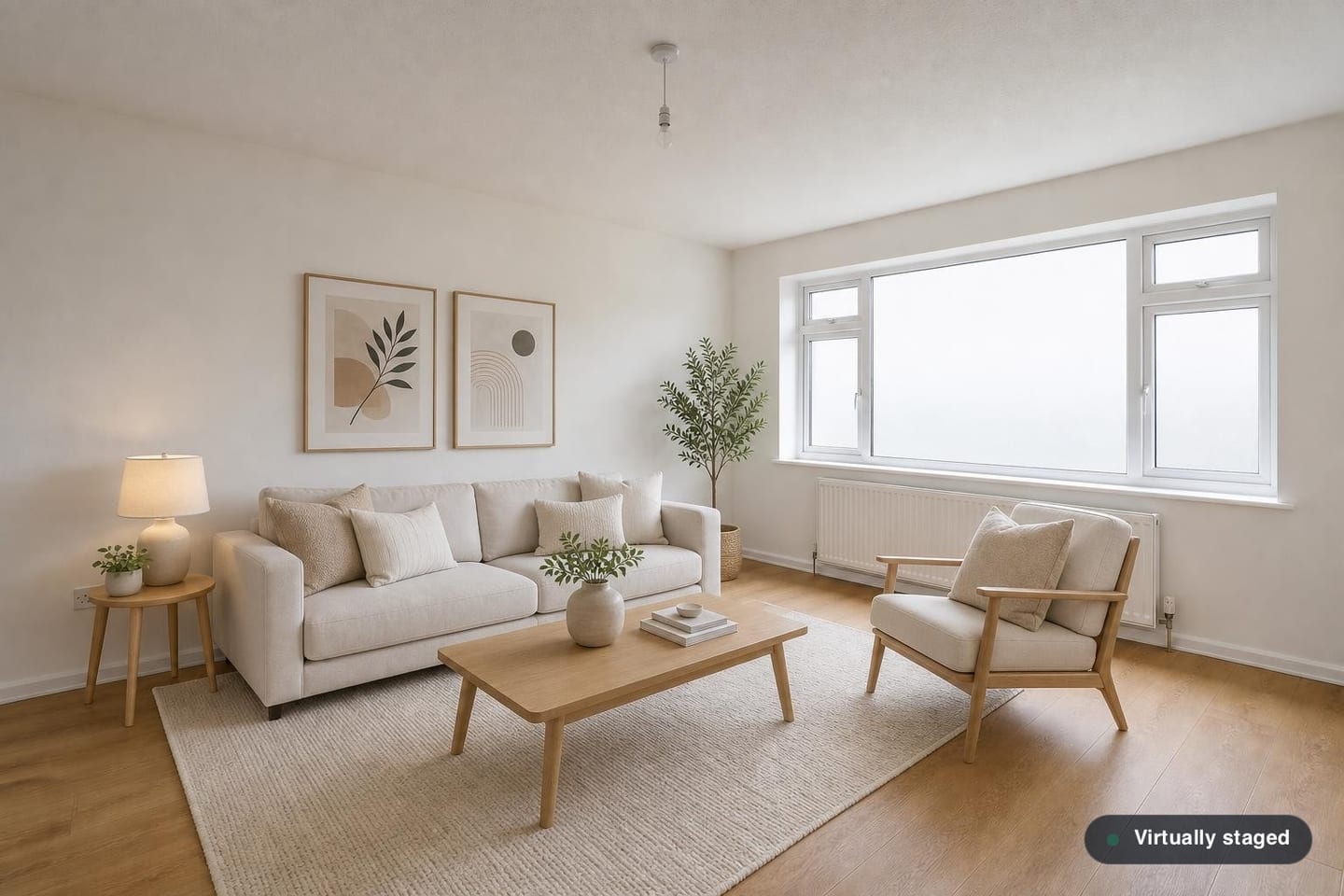
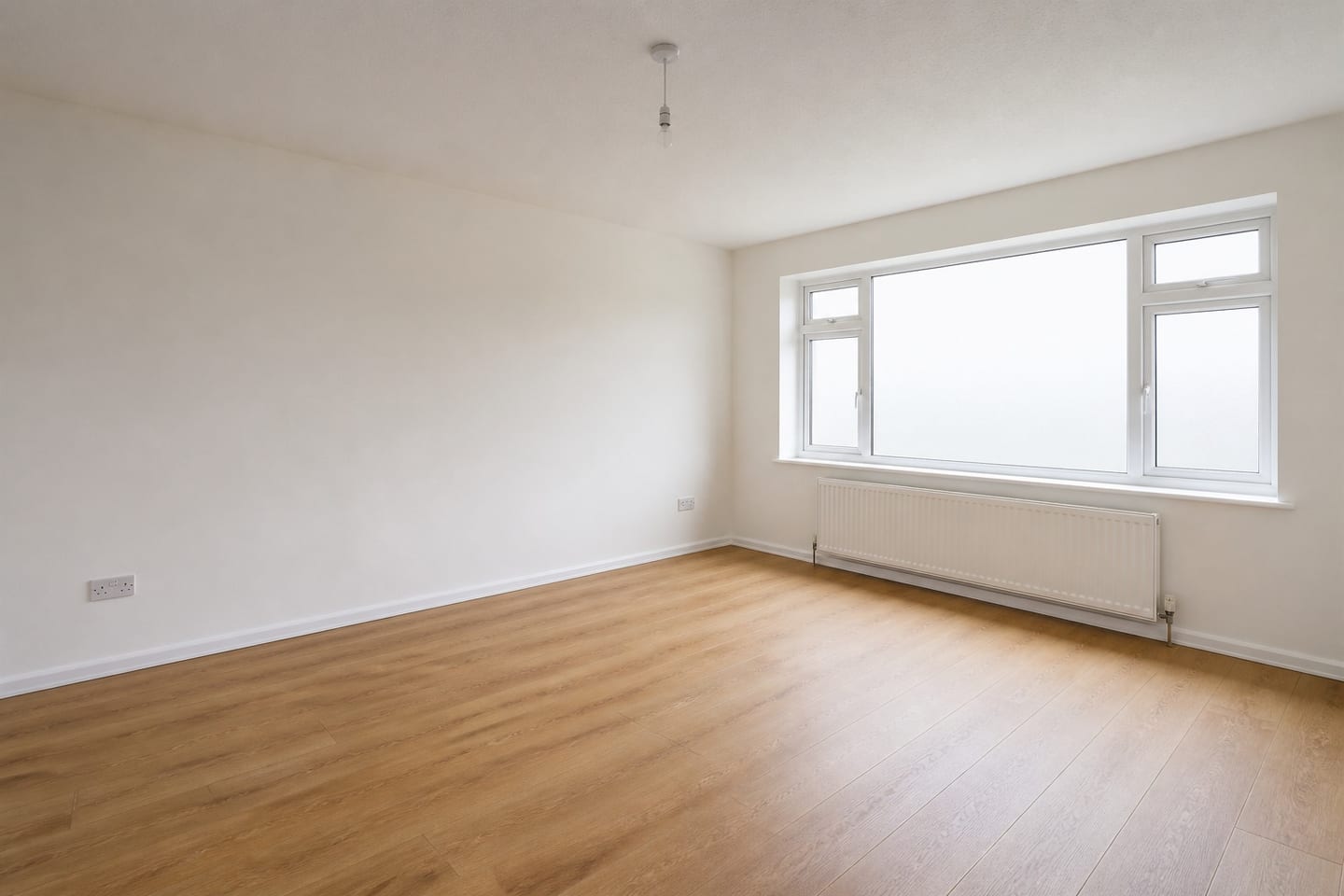 BeforeAfter
- One empty-room photo, one style
- Furniture only — architecture and the view stay untouched
- Yours to download, badged and ready to publish — no card
Or try it on a room like yours
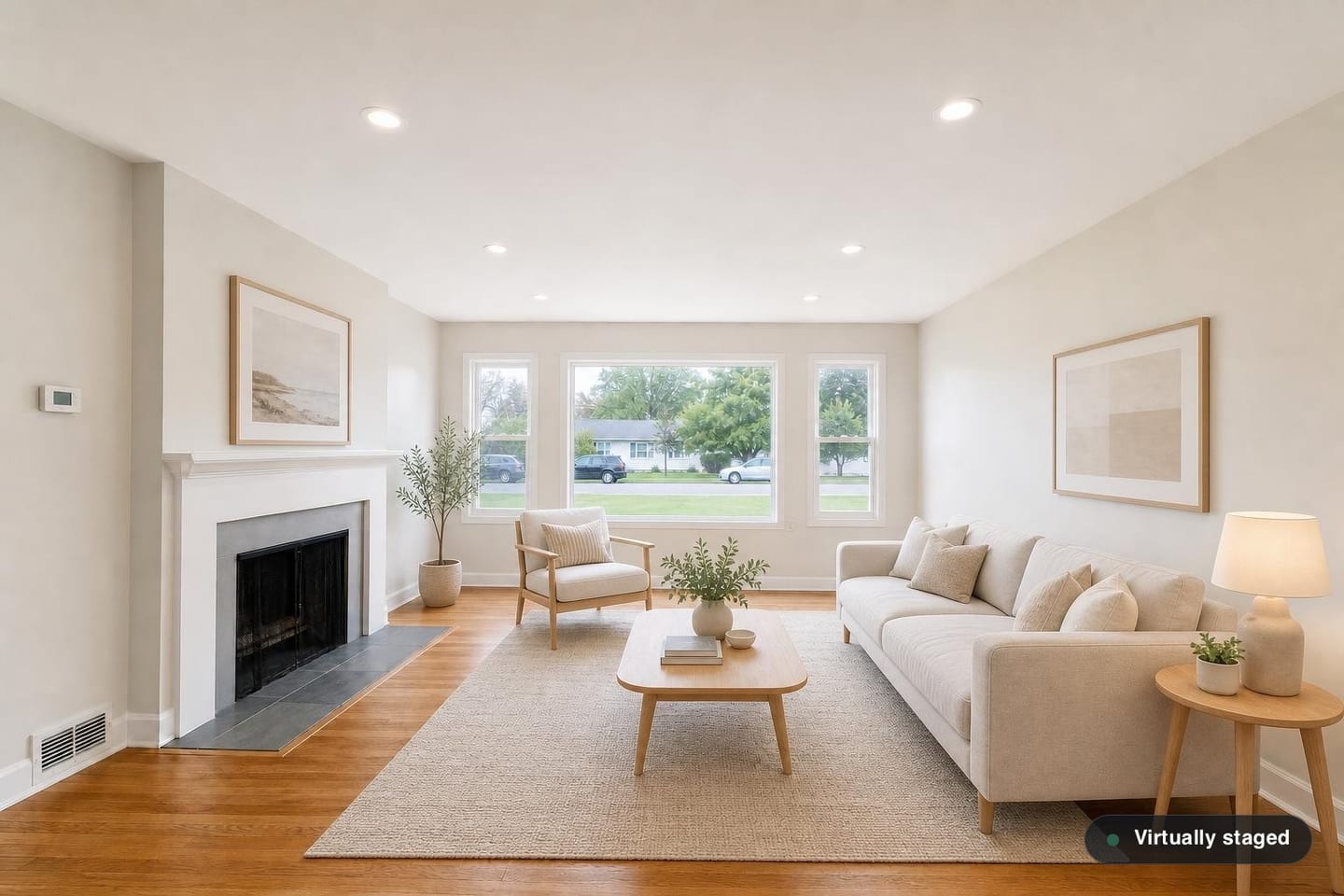
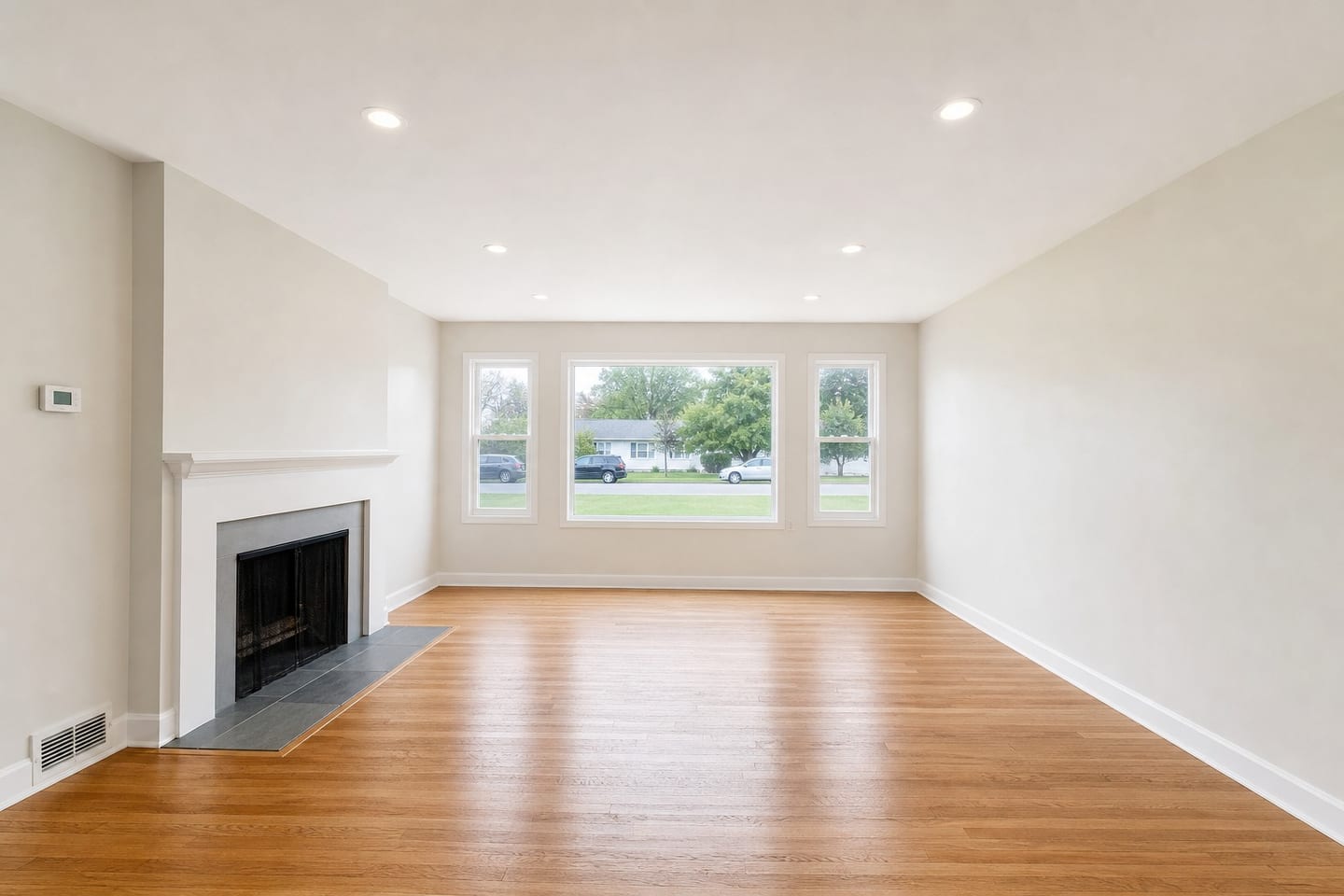 BeforeAfter
Our rooms, not yours. Each pair came out of the same pipeline your photos would, and each was checked by hand against the photo it started from.
How the free room works
- 1
Upload one photo
A JPEG or PNG of an empty room. We add furniture rather than removing it, so a room that is still furnished comes back with its furniture in place. Higher resolution gives a better result, and we keep your original aspect ratio so portals never crop it badly.
- 2
Pick the room and the style
Tell us what the room is, then choose from eight furnishing styles — Scandinavian through Classic Traditional. Not sure which suits it? Change the style once, free, after you've seen the result.
- 3
Get it back in about two minutes
We email you the link, so you don't have to keep this tab open. The staged image is yours to download, with a before/after slider so you can see exactly what changed.
What we will not touch
Furniture and decor only. Every render is generated under an explicit instruction to leave walls, windows, doors, floors, fixtures and the view exactly as photographed, and your original is kept alongside it so the two can be compared. If a render drifts, re-roll it free — and give every image a look before it goes on a listing. Misrepresenting a property is the legal line in this industry, so we build toward it rather than around it.
How we handle disclosure and complianceBefore you upload
- Is the free room really free?
- Yes — one room, fully staged, no card required and no trial to cancel. If you like it, you can stage the rest of the listing on a plan or as a one-off. If you don't, you've lost nothing but a photo upload.
- Is there a watermark on the result?
- No watermark. Every image carries the small “Virtually staged” badge in the corner, which is a disclosure requirement for published listing photos rather than a paywall — it's on paid renders too.
- What happens to my photo?
- It's used to produce your render and nothing else. You can delete your account, and with it every photo and render we hold, at any time from your account settings.
- What if the staging doesn't suit the room?
- Change the style once for free and we'll re-render it. Paid plans get unlimited re-rolls, so a room that doesn't land the first time is never a wasted listing.